
Selecting a high-end computing platform is no longer a simple matter of choosing hardware aesthetics. The architectural division between modern laptops has widened dramatically. On one side stands Apple’s custom Silicon architecture, engineered for vertical hardware-software synergy. On the other lies Microsoft’s premium hardware lineup, serving as the benchmark showcase for cross-compatible cloud integration, hybrid touch architectures, and native AI integration.
Buying the wrong device can create severe friction in your daily productivity chain. A creative professional requires distinctly different computational optimizations than an enterprise systems administrator or data science professional. In this technical diagnostic, we analyze performance baselines, power efficiency metrics, and hardware versatility parameters to pinpoint exactly where you should invest your capital.
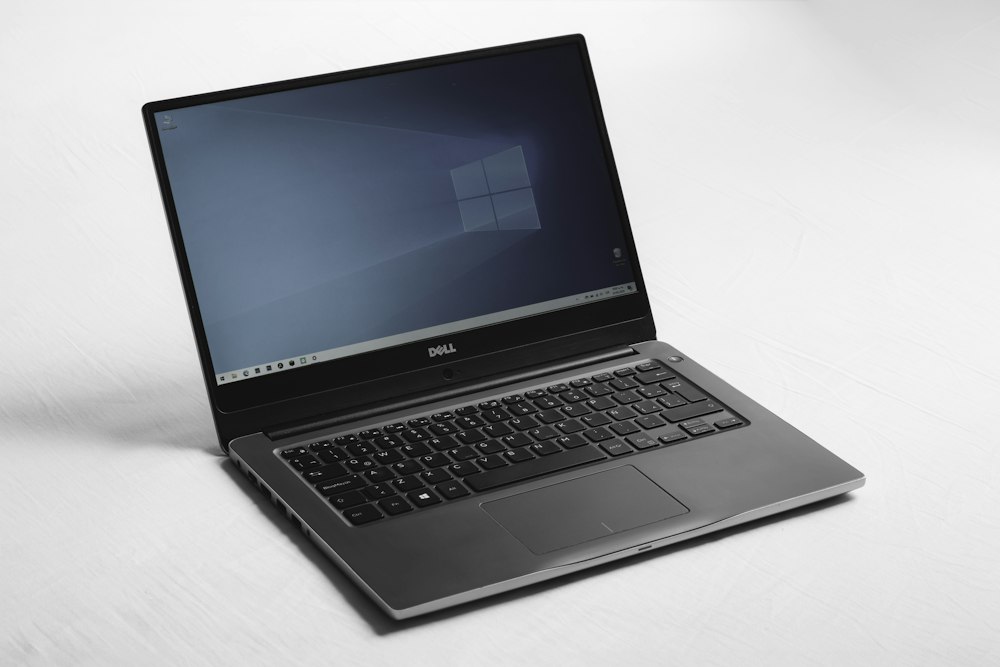
The premium hardware landscape: High-density displays, precise engineering, and completely divergent processor architectures.
1. Compute Architecture & Pure Performance
The raw performance delta between Microsoft laptops and MacBooks stems directly from their microprocessing philosophies.
Apple Silicon: Unrivaled System-on-Chip Efficiency
Modern MacBooks leverage the M-series architecture—a Unified Memory Architecture (UMA) that consolidates the CPU, GPU, Neural Engine, and RAM onto a single piece of silicon. Because the system memory sits on the same substrate as the processing cores, bus latency is practically eliminated. The primary performance benefit here is sustained computational speed under load without thermal throttling, coupled with world-class battery life that routinely surpasses 18 real-world hours.
Microsoft Hardware: Raw x86 Versatility and Copilot+ Compute
Microsoft’s premium laptop lineup utilizes high-clock-speed Intel Core Ultra, AMD Ryzen, and ARM-based Qualcomm Snapdragon X Elite processing packages. Microsoft devices offer outstanding multi-threaded peak burst performance. They feature high compatibility across legacy enterprise infrastructures, native x86 software compilations, and advanced local graphics processing units. Furthermore, their integrated Neural Processing Units (NPUs) feed directly into Windows Copilot+ software layers for lightning-fast, secure local AI processing.
MacBook Strength: Unified memory structures allow a 16-core GPU to pull directly from up to 128GB of shared system memory instantly, rendering complex 8K video timelines or massive machine learning models without typical VRAM constraints.
Microsoft Strength: Granular hardware choices allow configurations with discrete graphics, customizable modular storage options, and native touch/stylus digitizers embedded inside the screen glass.
2. Form Factor Versatility & Functional Features
How you interface with your machine dictates your functional speed. This is where the user experience splits down the middle.
- The Microsoft Interface Ecosystem: Microsoft laptops frequently adopt a 2-in-1 hybrid form factor with detachable keyboards, 10-point multi-touch displays, and active haptic digital pens. This makes them ideal for UI/UX wireframing, signing document payloads, drawing, and interactive presentations.
- The MacBook Functional Philosophy: Apple rejects touch screens on laptops, maintaining a strict boundaries approach. The focus remains strictly on perfecting traditional inputs: an industry-standard glass Force Touch trackpad, studio-grade microphone arrays, and exceptional high-fidelity speaker enclosures.
3. The Buyer Choice Matrix
To eliminate analytical paralysis, choose your hardware ecosystem based strictly on your primary computing profiles:
Opt for MacBook: Final Cut Pro, Logic Pro, and Xcode run natively with zero hardware overhead. If your income relies on mobile app compilation, multi-stream color grading, audio production, or long-range travel without wall outlets, Apple's hardware architecture is unmatched.
Opt for Microsoft Surface: Perfect for deep integration with Microsoft 365 enterprise security, native Windows Subsystem for Linux (WSL), visual data modeling, legacy database clients, and custom CAD engineering software environments that cannot compile properly on macOS.
The Deciding Vector: Choose a Microsoft device if you prefer note-taking via stylus, rely heavily on Excel macros, or want to play PC video games during off-hours. Choose a MacBook if you already use an iPhone, value absolute silence (fanless configurations), and want a machine that holds high resale value over 4 to 5 years.
Video Technical Analysis: Battery vs. Processing Under Heavy Load
To view deep technical performance charts, architectural hardware layouts, and stress tests comparing thermal dissipation under heavy compile cycles, watch this detailed video review:
Engineering Summary:
Do not buy hardware for the logo. If your workflow requires software elasticity, direct touch manipulation, cloud infrastructure engineering, or structural corporate compliance, purchase a Microsoft premium machine. If your workflow values thermodynamic silence, structural video rendering performance, extreme battery endurance, and long-term hardware durability, buy a MacBook.
Comments
Post a Comment